
The theme every brand starts on.
Brand System v1.0 is the Figma file and the theme every brand on Workhorse starts from. The theme sets how a page looks and behaves: surfaces, ink, rules, buttons, fields and motion. The brand brings its name, logo, colors and fonts, and the theme decides where that color is allowed to go.
- Themes
- Worktable, Basic, Editorial
- Example brands
- Workhorse, Powerbase Energy
- Book sizes
- Slide, Letter, web at 1440, 768 and 390
- File
- Figma, on the Obra shadcn kit
Three themes, one set of roles.
Every theme fills the same roles: a canvas, three surfaces, four steps of ink, three rules. Worktable is the default and the theme this site runs on. Basic and Editorial come with it, and the Figma file carries all three as variable modes.
- canvas
- surface-1
- surface-2
- surface-3
- surface-px
- ink
- ink-2
- ink-3
- CoverSlide
- Chapter pageLetter
- Chapter page390
Basic
Plain neutrals and a 4px radius, close to stock shadcn, for a brand that wants the components out of the way.
- canvas
- surface-1
- surface-2
- surface-3
- surface-px
- ink
- ink-2
- ink-3
- CoverSlide
- Chapter pageLetter
- Chapter page390
Editorial
Paper, ivory and kraft with honey and moss as spot colors. Made for books.
- canvas
- surface-1
- surface-2
- surface-3
- surface-px
- ink
- ink-2
- ink-3
- CoverSlide
- Chapter pageLetter
- Chapter page390
Where the brand’s color goes.
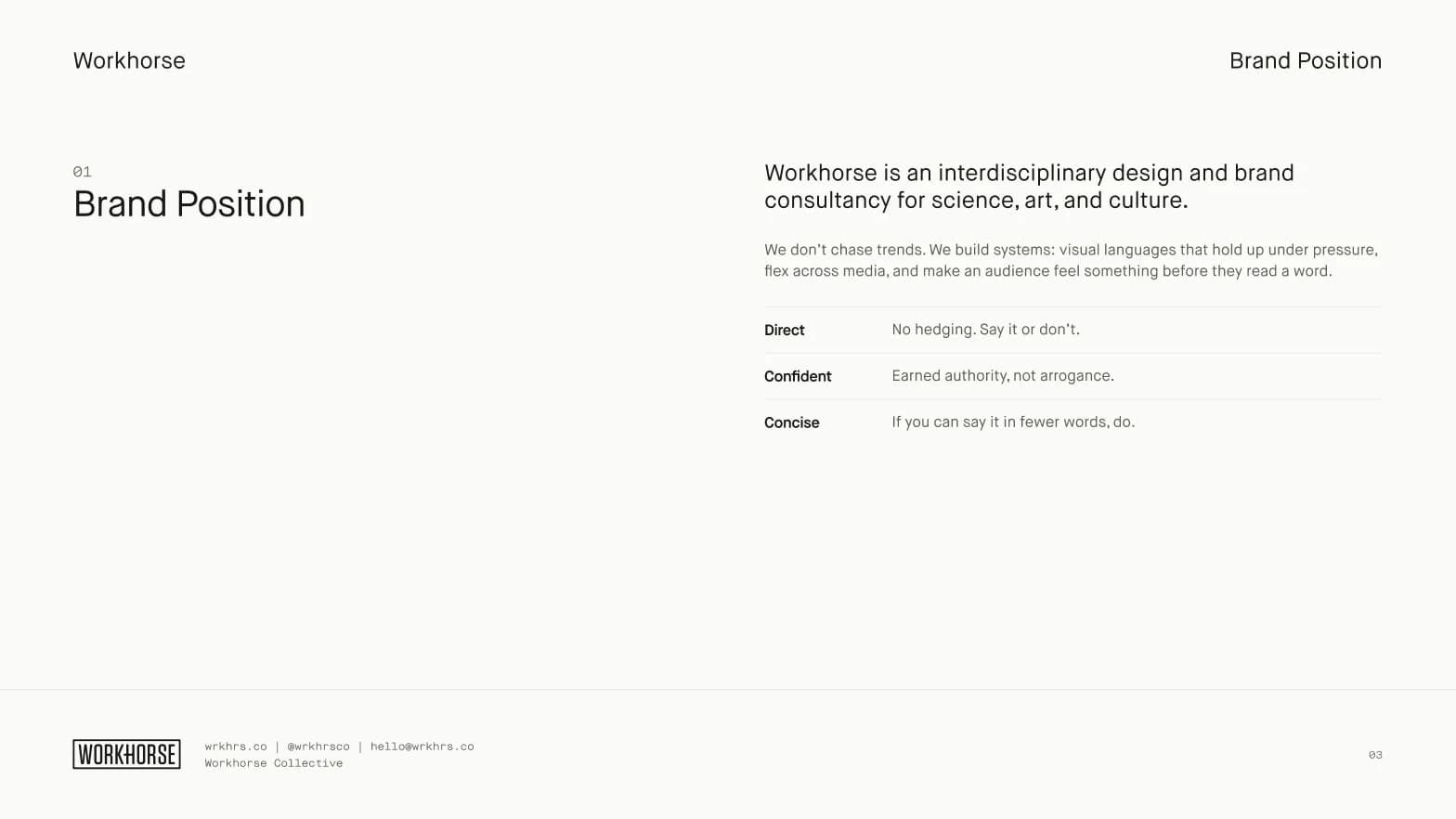
A loud color gets used everywhere unless the system decides where it belongs. Under Worktable a brand’s signal color reaches five places: the lockup, progress, the active nav item, the focus ring and one brand button. The Workhorse yellow and the Powerbase blue follow the same rule.
The brand book at five sizes.
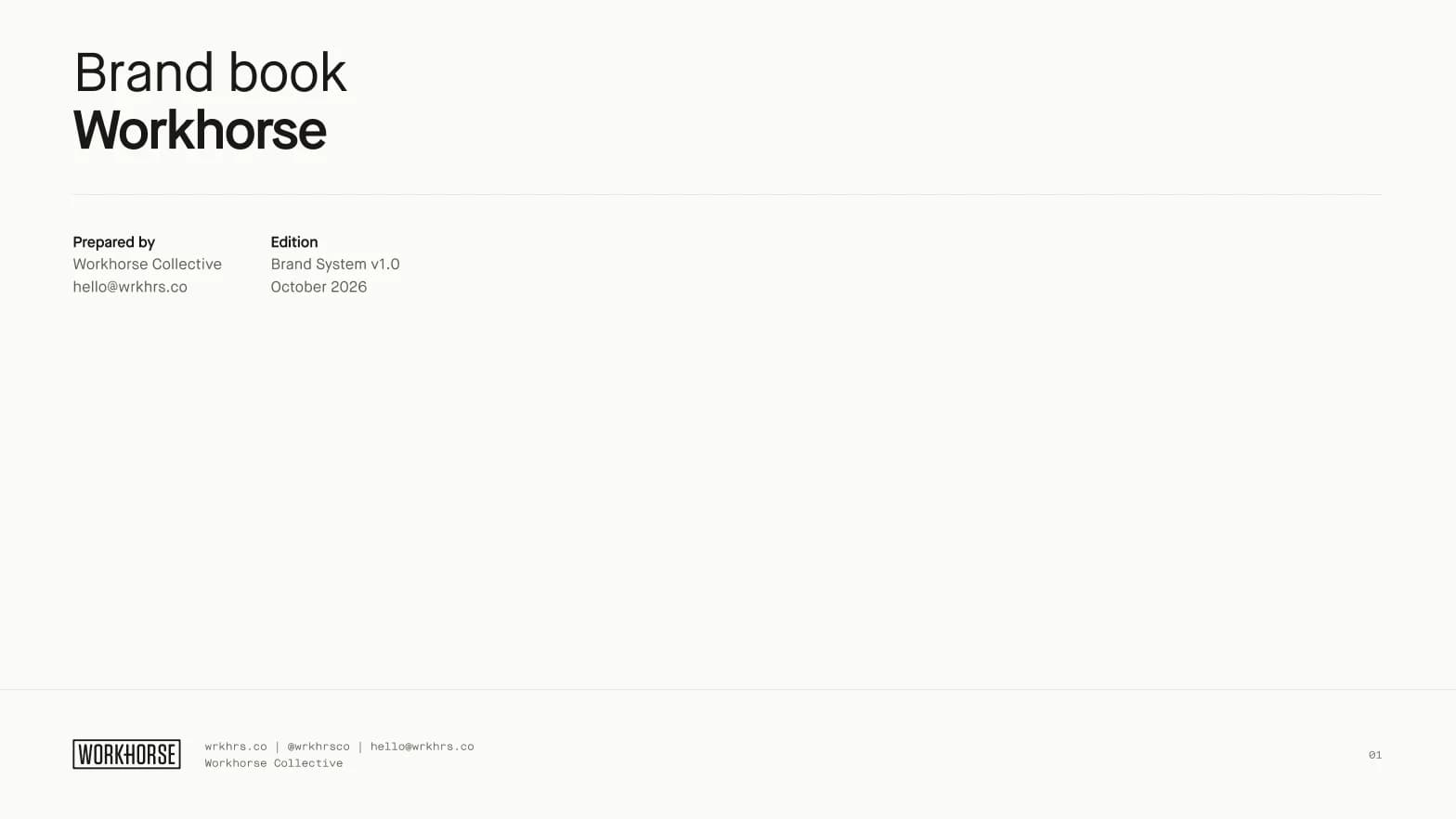
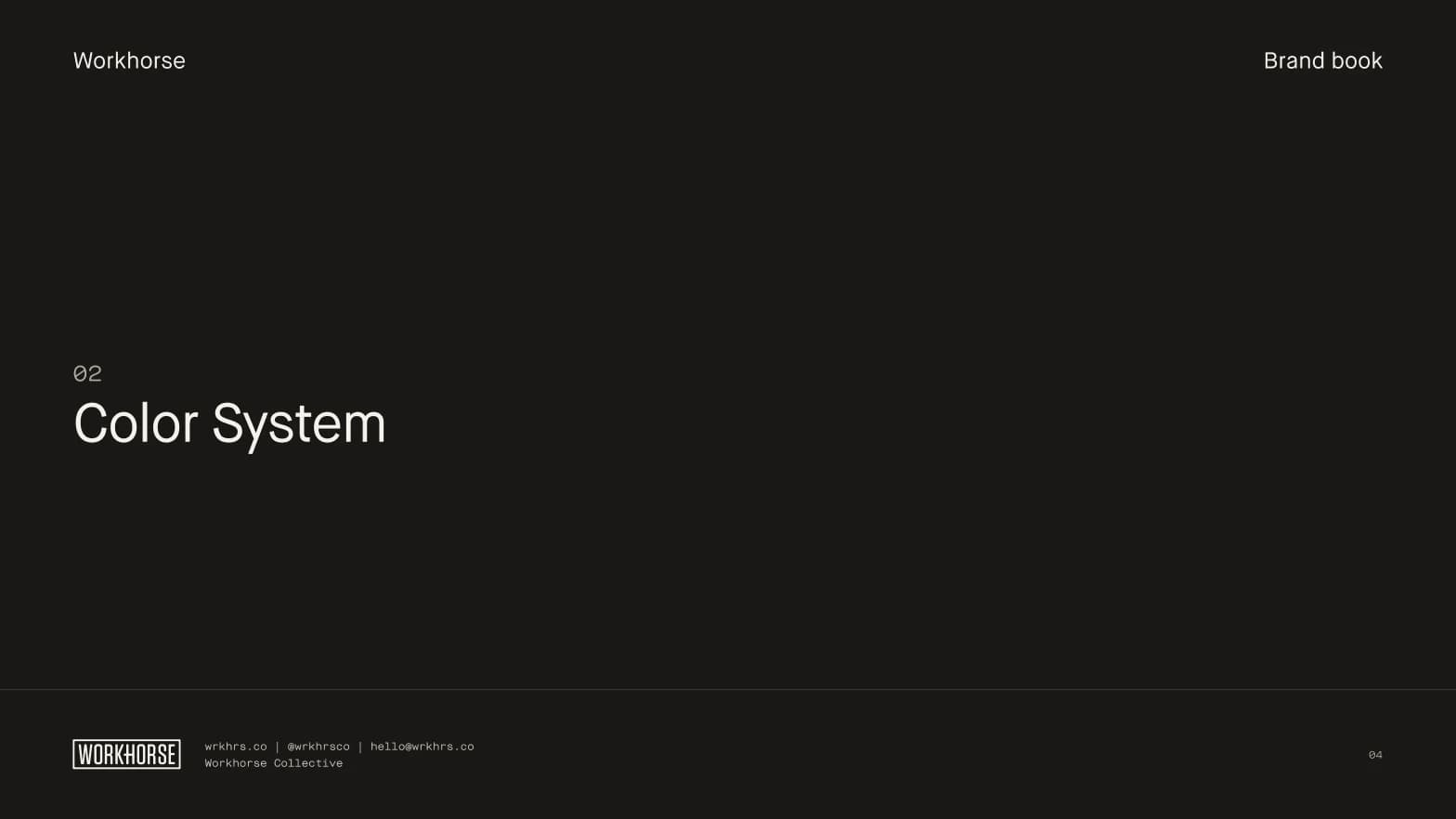
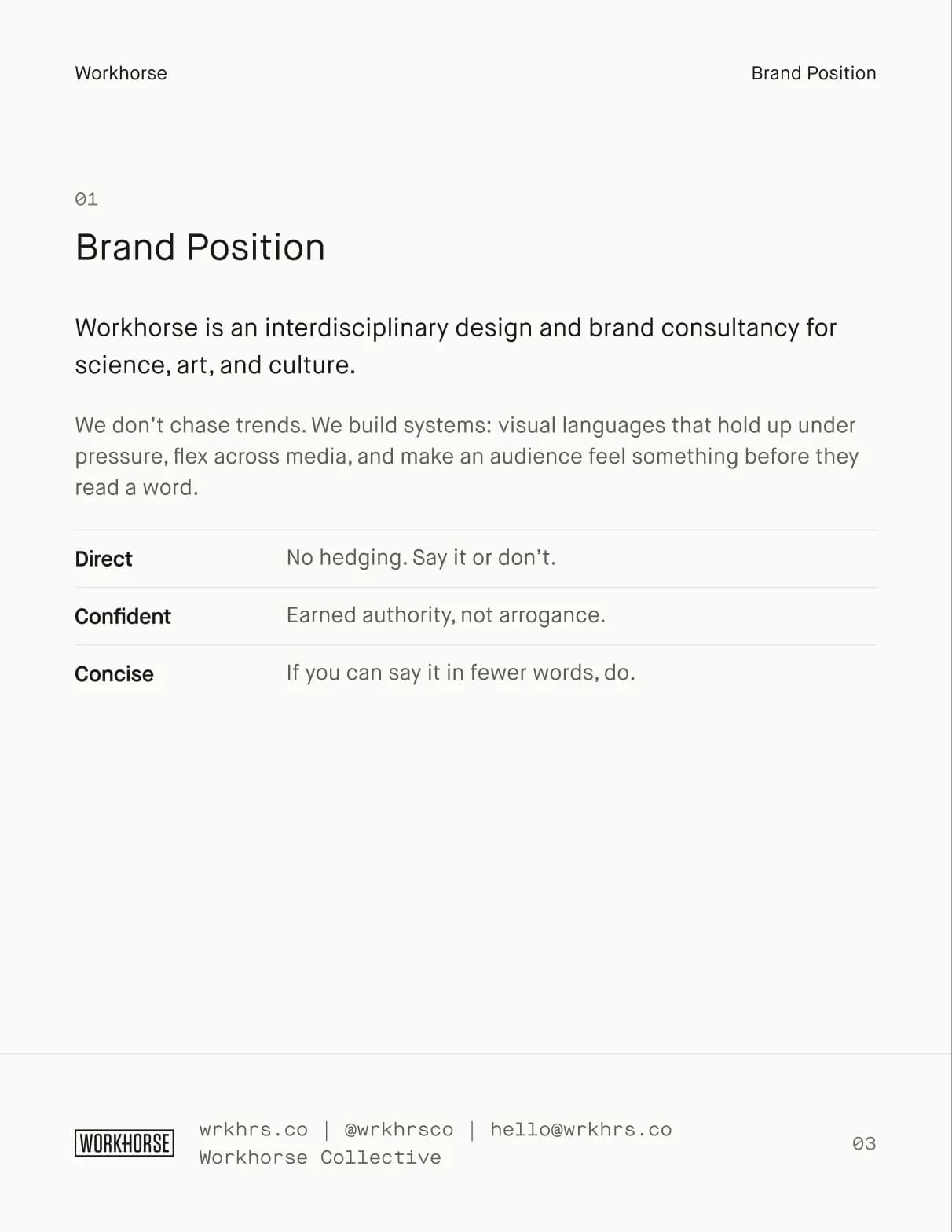
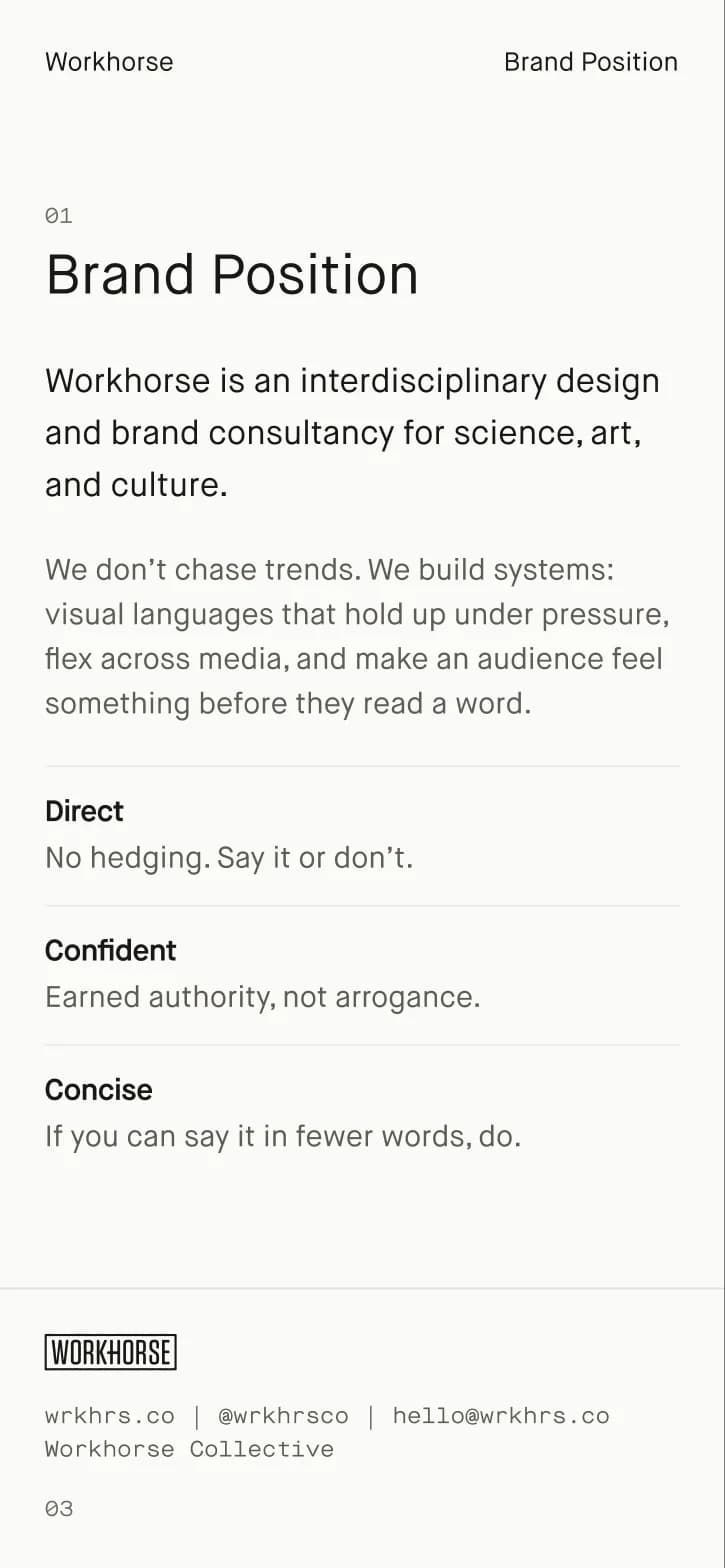
The cover, the section opener and the chapter page are components with a size for each format: a 1920 by 1080 slide, a US Letter page, and the web at 1440, 768 and 390. The client sits top left, the section top right, and a mono footer closes every page. The Workhorse book is the worked example.
A flyer from the same parts.
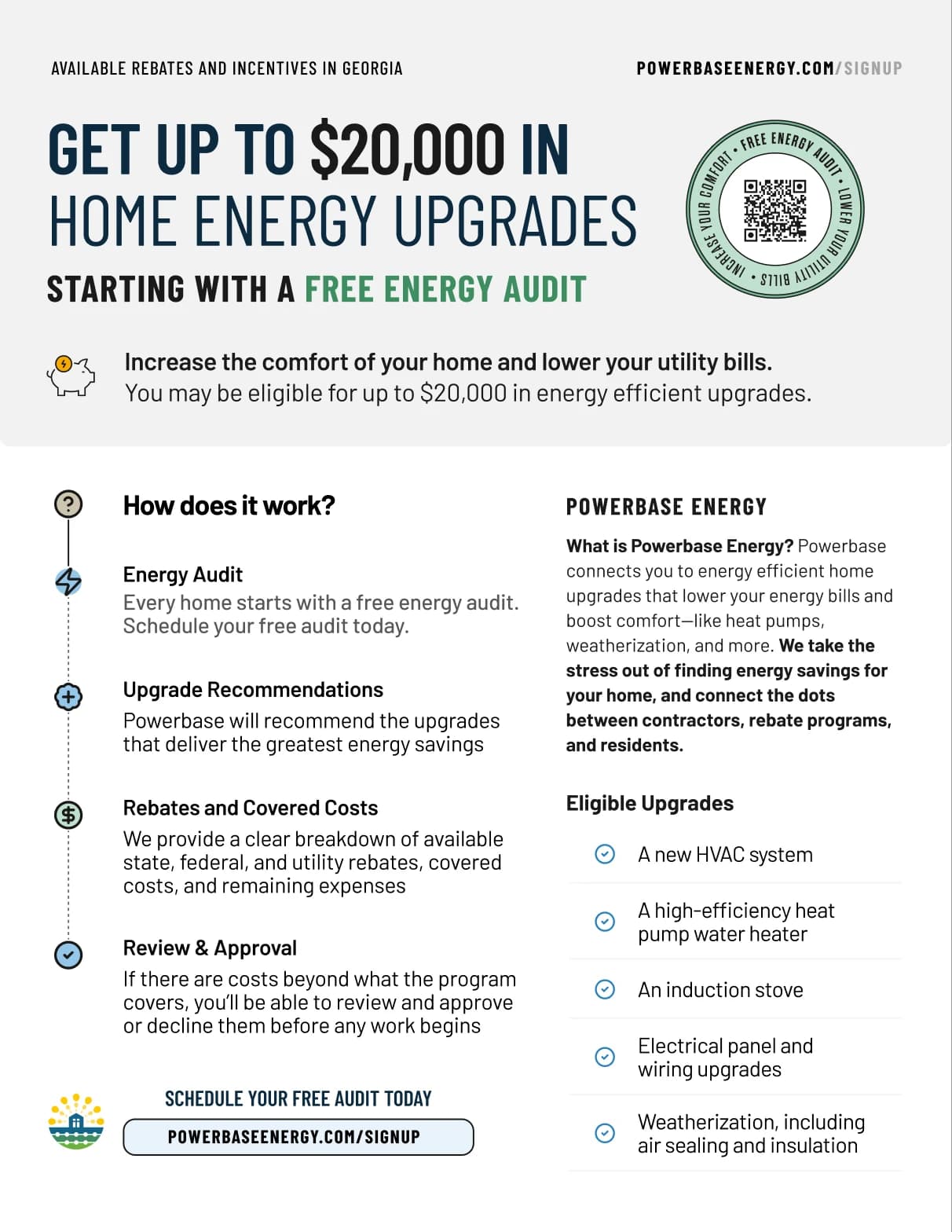
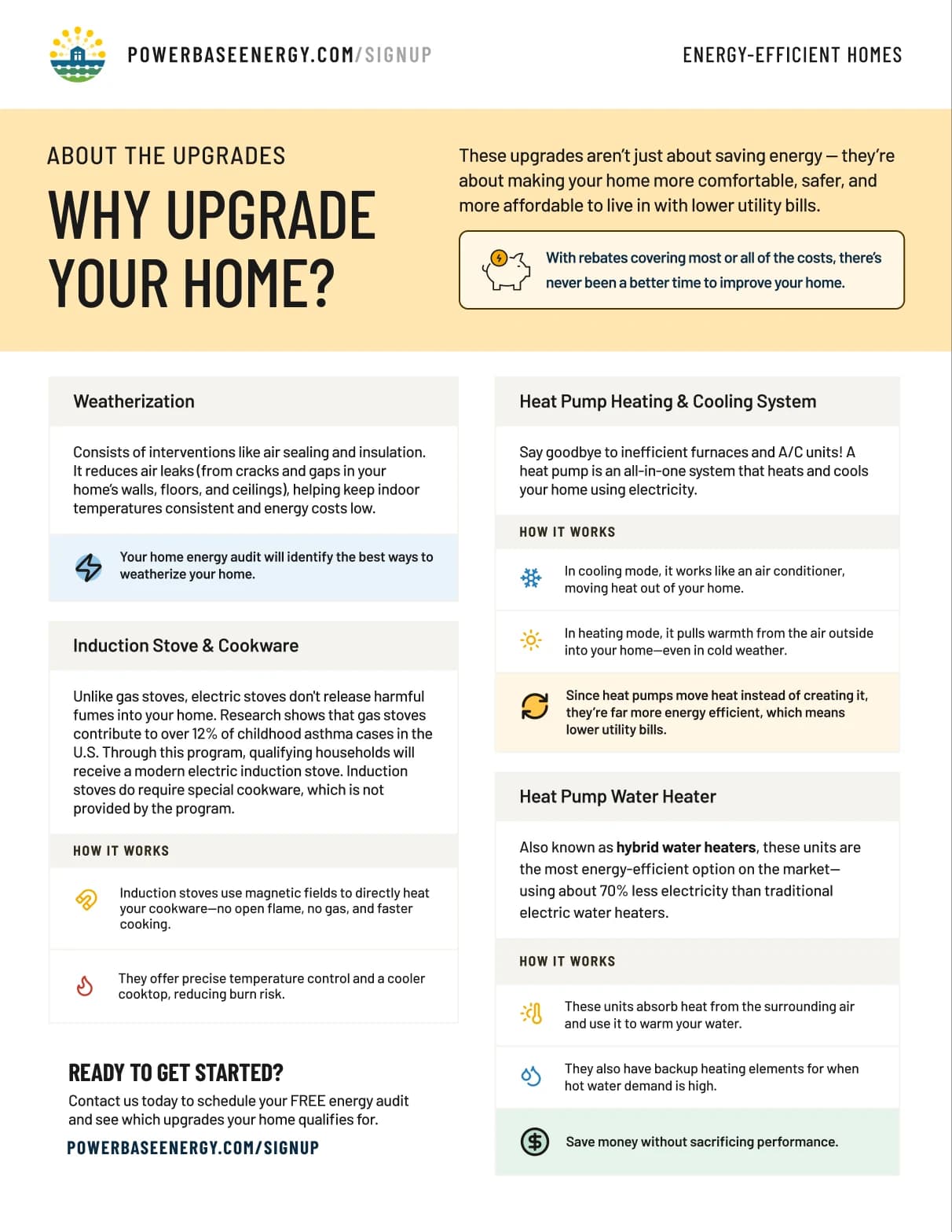
Twelve flyer components, from the masthead and the QR seal to the info card and the photo band, use the brand’s fonts and a flyer palette drawn from its color tokens. We rebuilt the Powerbase Energy rebate flyer from them in English and Spanish, and each rebuild sits beside the delivered original in the file.
Start from the file.
The Figma file opens on a placeholder brand called Your brand. Set its colors, fonts and logo, and the components and book pages follow. Pick a theme in the variable modes; Worktable is the default.